HDMI Displays
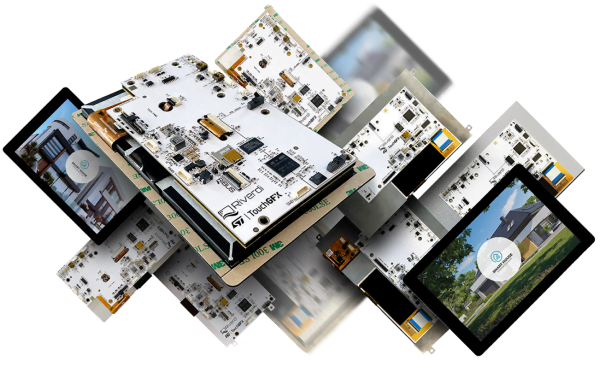
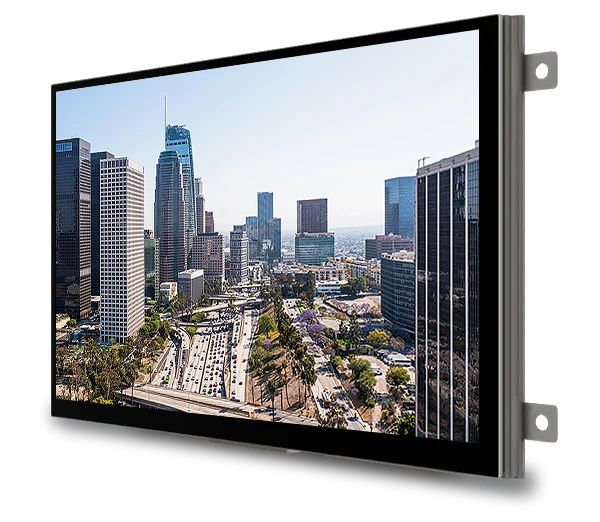
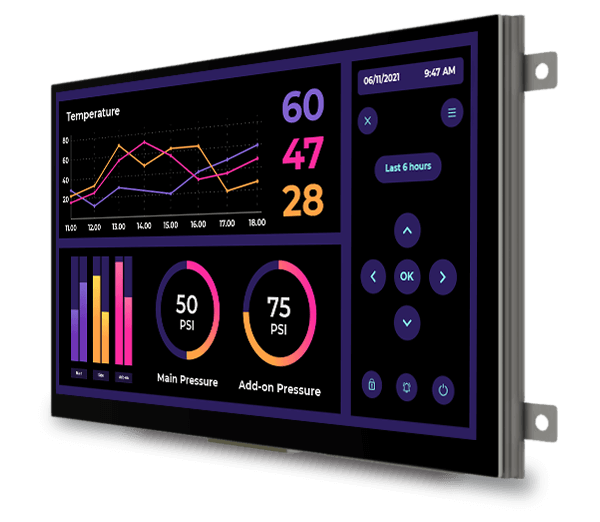
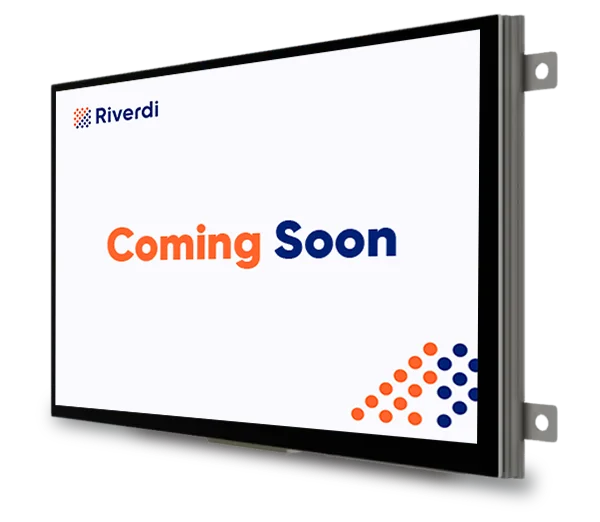
HDMI displays are IPS TFT modules with an integrated HDMI interface board that work as standard Plug-and-Play system monitors. No drivers, no configuration, no embedded development – that’s the point.
Currency:
-

Plug and play display 15.6″ TFT LCD Full HD 1920x1080px, HDMI interface + Capacitive touchscreen – RVT156HKHNWC00-B
$474.37 -
Plug and play display 15.6″ TFT LCD Full HD 1920x1080px, HDMI interface – RVT156HKHNWN00
$335.30 -
Plug and play display 15.6″ TFT LCD Full HD 1920x1080px, HDMI interface – RVT156HKHFWN00
$358.35 -
Plug and play display 15.6″ TFT LCD Full HD 1920x1080px, HDMI interface + Capacitive touchscreen – RVT156HKHNWCA0-B
$469.62 -
Plug and play display 15.6″ TFT LCD Full HD 1920x1080px, HDMI interface + Capacitive touchscreen – RVT156HKHFWCA0-B
$502.50 -
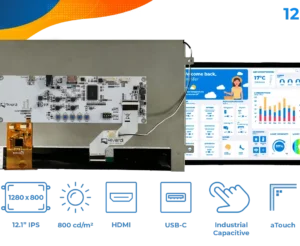
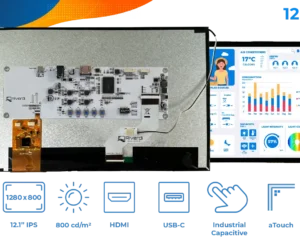
Plug and play display 12.1″ TFT LCD 1280x800px, HDMI interface + Capacitive touchscreen – RVT121HVHNWC00-B
$281.20 -
Plug and play display 12.1″ TFT LCD 1280x800px, HDMI interface + Capacitive touchscreen – RVT121HVHFWCA0-B
$287.13 -
Plug and play display 12.1″ TFT LCD 1280x800px, HDMI interface + Capacitive touchscreen – RVT121HVHNWCA0-B
$278.36 -
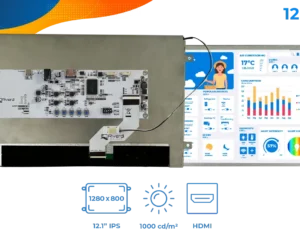
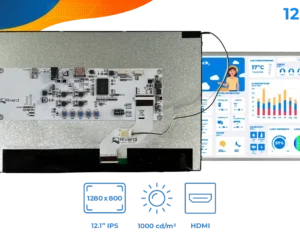
Plug and play display 12.1″ TFT LCD 1280x800px, HDMI interface – RVT121HVHFWN00
$227.11 -
Plug and play display 12.1″ TFT LCD 1280x800px, HDMI interface – RVT121HVHNWN00
$218.35 -
Plug and play display 10.1″ TFT LCD 1280x800px, HDMI interface + Capacitive touchscreen – RVT101HVHNWC00-B
$265.61 -
Plug and play display 10.1″ TFT LCD 1280x800px, HDMI interface + Capacitive touchscreen – RVT101HVHNWC00
$244.87 -
Plug and play display 10.1″ TFT LCD 1280x800px, HDMI interface + Capacitive touchscreen – RVT101HVHFWCA0
$253.31 -
Plug and play display 10.1″ TFT LCD 1280x800px, HDMI interface + Capacitive touchscreen – RVT101HVHNWCA0
$241.08 -
Plug and play display 10.1″ TFT LCD 1280x800px, HDMI interface – RVT101HVHFWN00
$199.41 -
Plug and play display 10.1″ TFT LCD 1280x800px, HDMI interface – RVT101HVHNWN00
$191.77 -
Plug and play display 7.0″ TFT LCD 1024x600px, HDMI interface + Capacitive touchscreen – RVT70HSHNWC00-B
$177.68 -
Plug and play display 7.0″ TFT LCD 1024x600px, HDMI interface + Capacitive touchscreen – RVT70HSHNWC00
$156.65
What are HDMI displays?
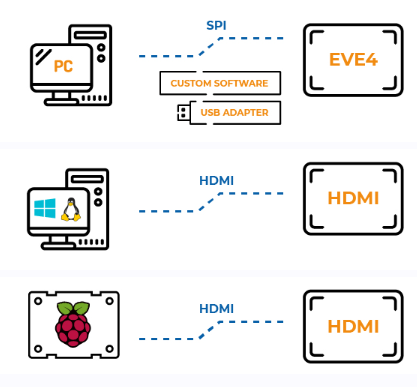
HDMI displays are not intelligent modules. They do not run application logic and do not generate graphics – they display exactly what the external device sends. After connection, the system detects them as standard monitors in Windows, Linux, macOS, and most SBC platforms.
The connection model is simple. HDMI handles video, USB-C handles touch, and power is supplied separately. In USB-C displays everything runs through a single cable, while HDMI uses three connections but works with a wider range of devices.
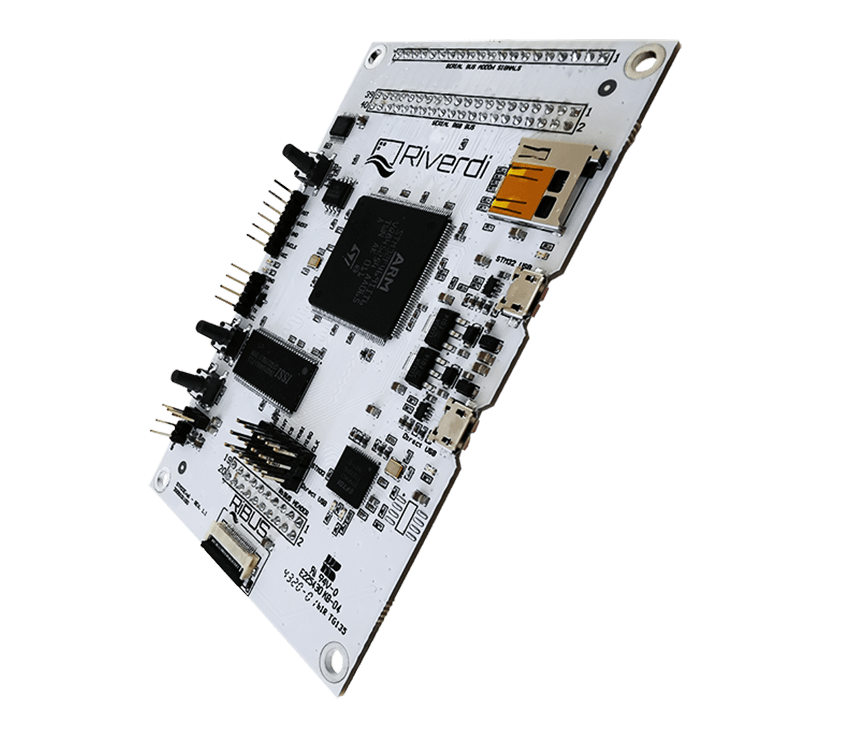
Compared to STM32 and EVE displays, the difference is architectural. HDMI requires an external video source and uses its graphics resources. STM32 and EVE generate the interface internally and run their own application logic. Compared to HB IPS panels, HDMI displays use the same panel but add an interface board (display parameters remain the same).
Features of HDMI displays
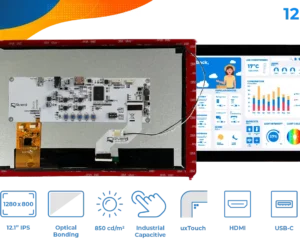
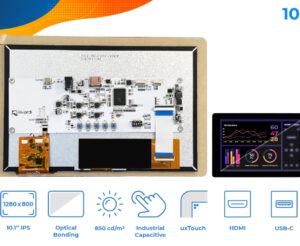
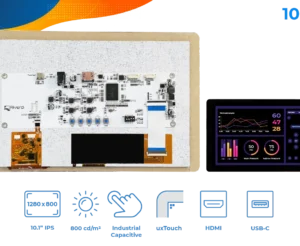
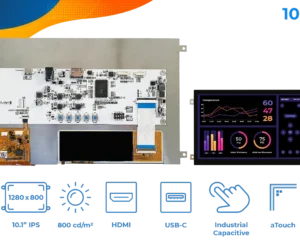
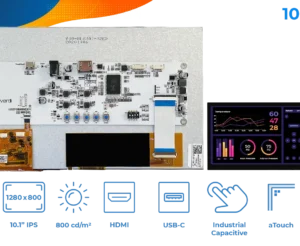
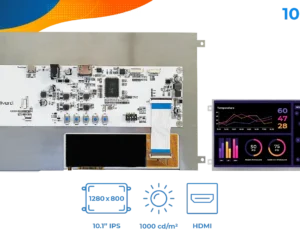
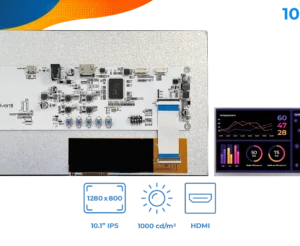
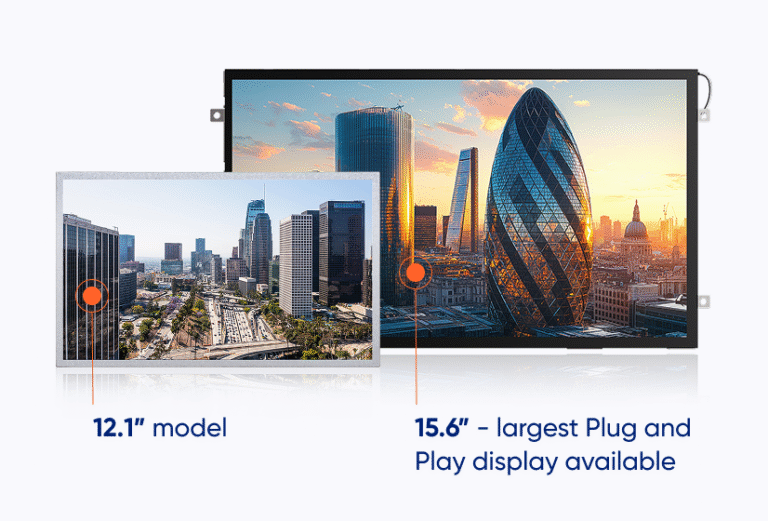
All HDMI displays are based on IPS TFT LCD panels with full viewing angles and high brightness, typically from 800 to 1000 cd/m². A total of 23 variants are available in five sizes: 5” modules with 800×480 px resolution, 7” with 1024×600 px, 10.1” and 12.1” both featuring 1280×800 px, and a 15.6” Full HD model at 1920×1080 px.
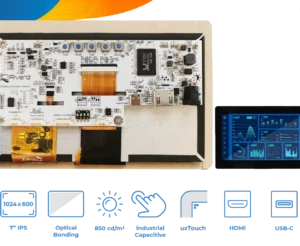
Mechanical and optical options include air bonding or optical bonding, frame or frameless construction, and two integration approaches: uxTouch and aTouch.
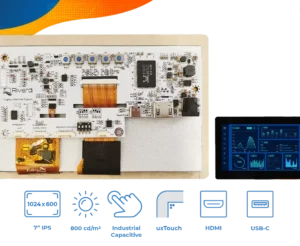
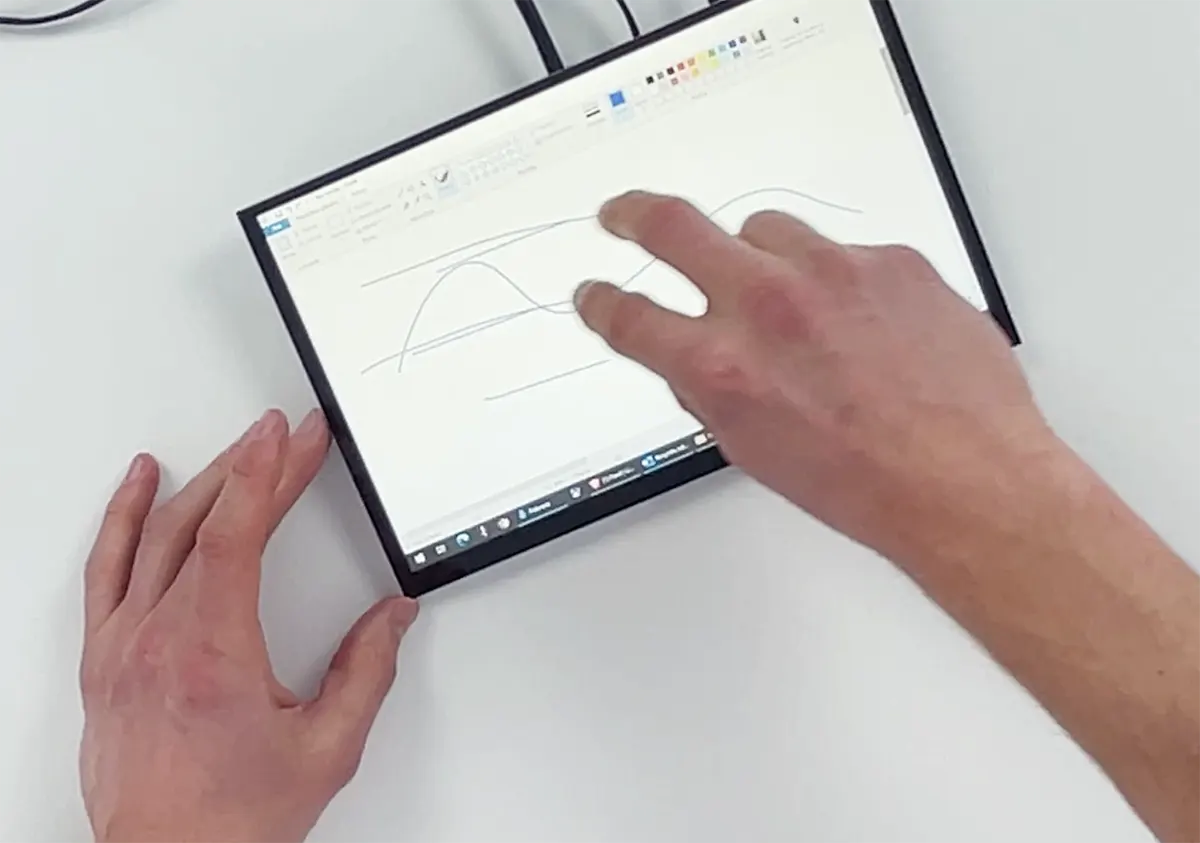
Touch versions use industrial PCAP technology with up to 10 touch points. The touch controller runs through USB-C and is handled directly by the operating system. Panels can be operated with gloves, tolerate water on the surface, and support thicker cover glass. Brightness can be controlled via PWM. The board is prepared for extensions such as light sensors or UART, depending on configuration. The operating range is -20°C to +70°C.
Uses of HDMI displays
HDMI displays are used where a working screen is needed immediately, without building a display subsystem. Raspberry Pi and SBC projects are the most direct use cases. The display works as a monitor and is ready within seconds, which fits prototyping and development setups.
In digital signage and information systems, 10.1″ to 15.6″ models are used with media players or PCs. In industrial environments, HDMI displays act as secondary monitors. Operator panels, diagnostics views, or process visualization can be added to an existing system without changes to the main application. POS systems, kiosks, and EV chargers use touch versions connected to external computing units.
The pattern is consistent. The display is not part of the embedded architecture. It is an endpoint for visualization and input.
Riverdi HDMI display manufacturer
Riverdi manufactures HDMI displays in Europe based on industrial high-brightness IPS panels. Integration simplicity is key. And unlike consumer monitors, these displays still work with gloves, in heat, and with water on the surface. PCAP touch is used, with up to 10 touch points.
Standard modules are available with no minimum order quantity, which supports prototyping. As Kamil Kozłowski, Board Member & Technical Advisor at Riverdi, notes, HDMI displays are a good starting point to get familiar with the brand standard. They can be connected directly to a computer to check image quality, touch performance, and build quality before selecting a Riverdi display for more complex solutions.
The company provides technical support and customization options. It also offers environmental-ready solutions, including optical bonding for applications exposed to dust, moisture, and demanding conditions. Components are selected for long-term availability, which matters in projects with long lifecycles.