Plug and Play Displays
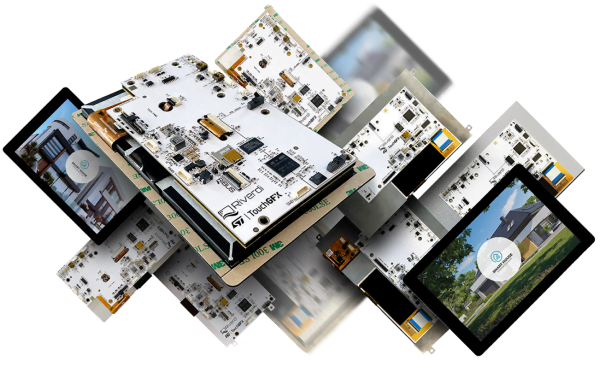
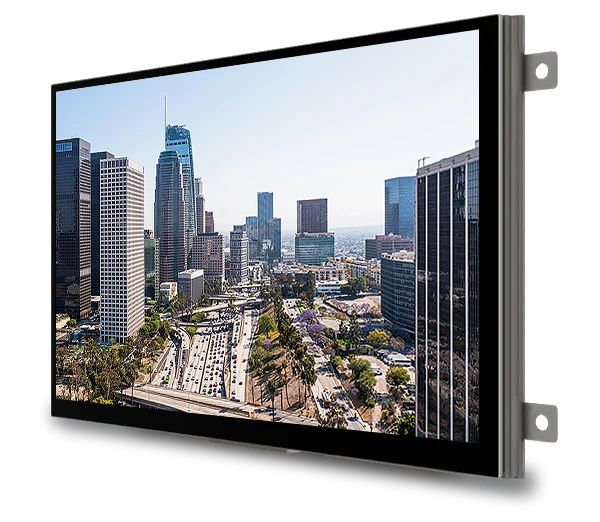
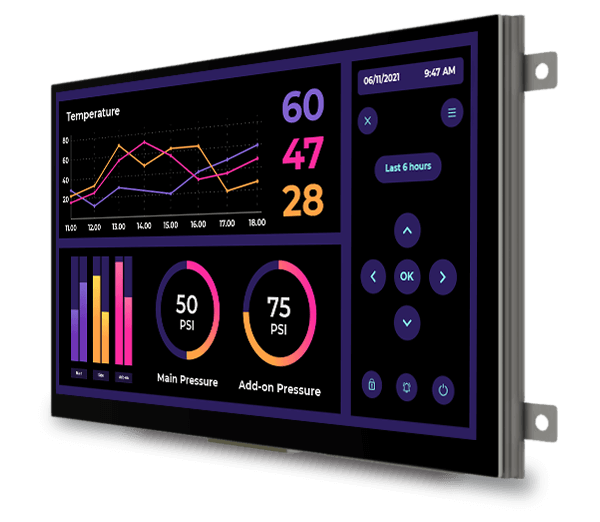
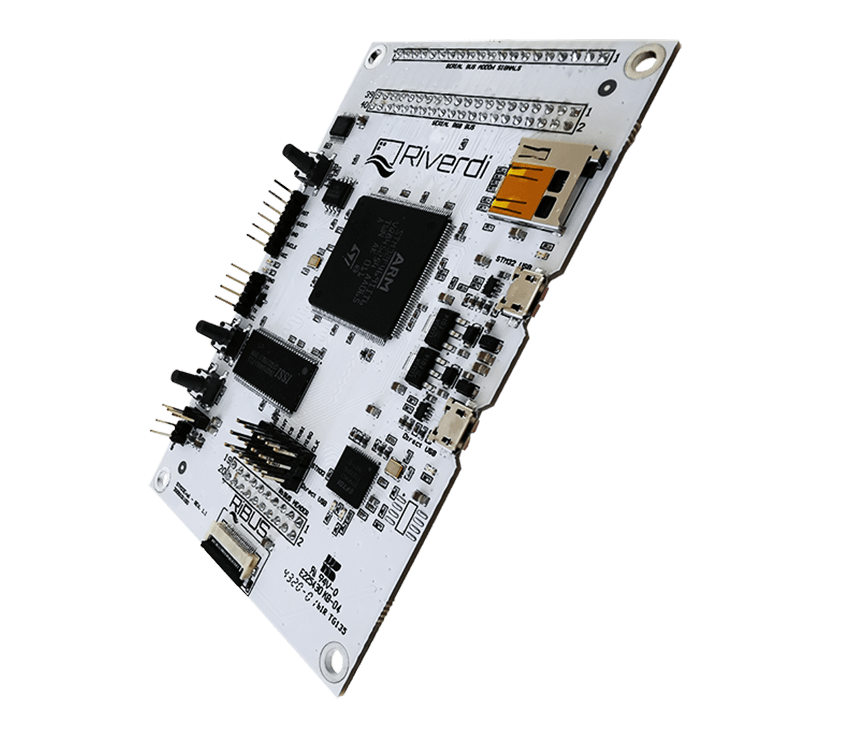
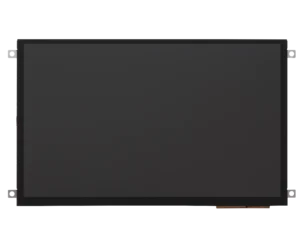
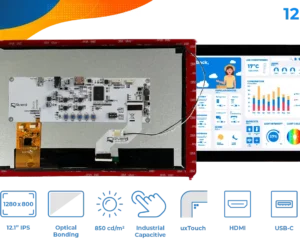
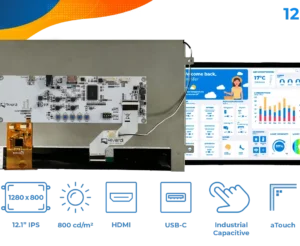
Riverdi Plug and Play Displays are IPS TFT LCD modules with an integrated HDMI or USB-C interface board. They are built for projects where the host already provides the video signal and the display should work without firmware development or display bring-up.
Currency:
-

Plug and play display 15.6″ TFT LCD Full HD 1920x1080px, HDMI interface + Capacitive touchscreen – RVT156HKHNWC00-B
$474.37 -
Plug and play display 15.6″ TFT LCD Full HD 1920x1080px, HDMI interface – RVT156HKHNWN00
$335.30 -
Plug and play display 15.6″ TFT LCD Full HD 1920x1080px, HDMI interface – RVT156HKHFWN00
$358.35 -
Plug and play display 15.6″ TFT LCD Full HD 1920x1080px, HDMI interface + Capacitive touchscreen – RVT156HKHNWCA0-B
$469.62 -
Plug and play display 15.6″ TFT LCD Full HD 1920x1080px, HDMI interface + Capacitive touchscreen – RVT156HKHFWCA0-B
$502.50 -
Plug and play display 12.1″ TFT LCD 1280x800px, USB-C interface – RVT121HVUFWN00
$253.33 -
Plug and play display 12.1″ TFT LCD 1280x800px, USB-C interface + Capacitive touchscreen – RVT121HVUNWC00-B
$311.87 -
Plug and play display 12.1″ TFT LCD 1280x800px, USB-C interface + Capacitive touchscreen – RVT121HVUNWCA0-B
$309.24 -
Plug and play display 12.1″ TFT LCD 1280x800px, USB-C interface – RVT121HVUNWN00
$243.21 -
Plug and play display 12.1″ TFT LCD 1280x800px, USB-C interface + Capacitive touchscreen – RVT121HVUFWCA0-B
$316.85 -
Plug and play display 10.1″ TFT LCD 1280x800px, USB-C interface – RVT101HVUNWN00
$198.36 -
Plug and play display 10.1″ TFT LCD 1280x800px, USB-C interface – RVT101HVUFWN00
$200.48 -
Plug and play display 10.1″ TFT LCD 1280x800px, USB-C interface + Capacitive touchscreen – RVT101HVUNWC00-B
$262.61 -
Plug and play display 10.1″ TFT LCD 1280x800px, USB-C interface + Capacitive touchscreen – RVT101HVUNWC00
$245.04 -
Plug and play display 10.1″ TFT LCD 1280x800px, USB-C interface + Capacitive touchscreen – RVT101HVUNWCA0
$243.71 -
Plug and play display 10.1″ TFT LCD 1280x800px, USB-C interface + Capacitive touchscreen – RVT101HVUFWCA0
$250.49 -
Plug and play display 12.1″ TFT LCD 1280x800px, HDMI interface + Capacitive touchscreen – RVT121HVHNWC00-B
$281.20 -
Plug and play display 12.1″ TFT LCD 1280x800px, HDMI interface + Capacitive touchscreen – RVT121HVHFWCA0-B
$287.13





What are Plug and Play displays?
Plug and Play displays work as standard monitors. They do not run application logic, generate the GUI locally or process graphic commands from the host – just show exactly what the connected device sends.
This separates them from STM32 Embedded Displays and EVE displays. STM32 modules run the application on the display board. EVE displays generate the GUI locally from commands sent by the host MCU.
They also differ from HB IPS panels. HB IPS is a bare high-brightness display subgroup. Plug and Play adds the interface board, so the module can be connected directly through HDMI or USB-C.
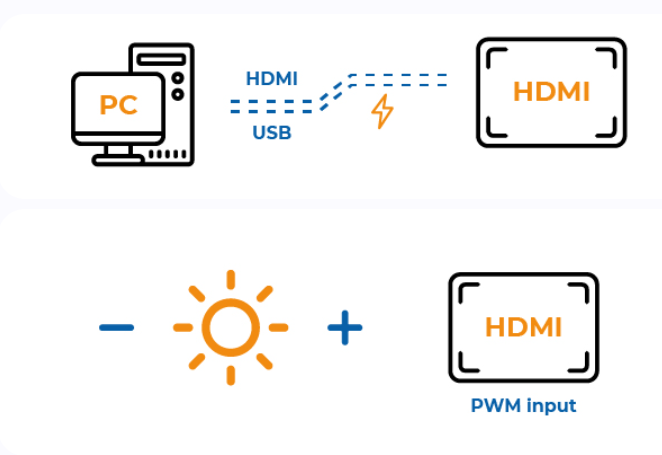
HDMI displays use separate connections: HDMI for video, USB-C for touch and an external power input. This is less compact than one-cable integration, but gives wide compatibility with PCs, media players, Raspberry Pi boards and other SBC platforms.
USB-C displays use one cable for video, touch and power, assuming the host supports the required USB-C video mode and power delivery. This reduces wiring and simplifies the mechanical layout, especially in compact devices.
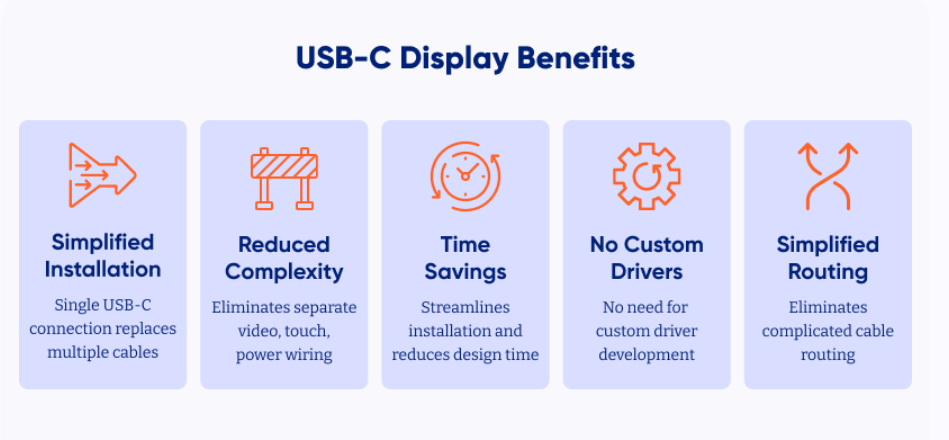
Tomasz Soldat, Riverdi CTO sums it up: “We developed Plug and Play displays for engineers who need industrial display quality without turning the screen into a separate embedded project.”
If you need a first look before selecting a module, see the 5″ HDMI display walkthrough by Kamil Kozłowski, Board Member & Technical Advisor at Riverdi.
Benefits of Plug and Play displays
The main benefit is speed at the start of integration. Engineers can connect the display and check the actual GUI, touch zones, brightness, viewing angles, reflections and enclosure fit on real hardware.
The host detects the module as a standard monitor, so the software team can work in Windows, Linux, macOS or an SBC-based environment without a dedicated display driver path. In PCAP variants, touch is handled through USB-C.
The display is still built for a demanding industrial environment: IPS viewing angles, brightness up to 1000 cd/m², PCAP touch options, and air or optical bonding. Optical bonding helps reduce reflections, improve perceived contrast and strengthen the front glass.
Plug and Play Displays also work well during early architecture decisions. A prototype can run from a PC, industrial computer or SBC while the final electronics are still open.
Applications for Plug and Play displays
Rapid prototyping usually uses 5″ to 10.1″ displays connected to a Raspberry Pi, industrial PC or development board.
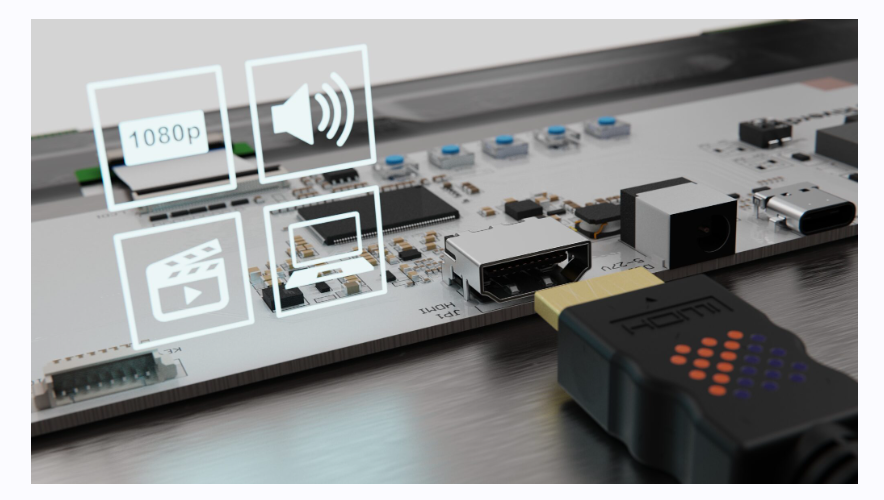
SBC projects use 5″ to 10.1″ displays as the main UI without adding a custom display pipeline. HDMI gives broader host compatibility. USB-C is better when the host supports one-cable video, touch and power.
Digital signage and product demonstrators typically use 10.1″ to 15.6″ displays with a media player or compact PC. Secondary industrial monitors use 7″ to 12.1″ displays for diagnostics, production values, logs, camera preview or service screens. Kiosks and POS systems usually use 10.1″ PCAP variants with standard video input, touch and front-glass options.
For a first look before module selection, see the 10.1″ HDMI display walkthrough by Kamil Kozłowski, Board Member & Technical Advisor at Riverdi.
Riverdi Plug and Play display manufacturer
Riverdi has designed and built display modules in Europe since 2012, with manufacturing based in Poland. Standard HDMI and USB-C Plug and Play modules are available without MOQ and through DigiKey, Mouser, RS Components and TME. Engineers can start with one unit, test a small batch and keep sourcing stable when the project moves toward production.
Riverdi keeps optical bonding in-house and components with 10+ years of longevity in mind. When the standard range is not enough, cover glass, bonding, brightness, mechanics and interface details can be adjusted through Riverdi customized solutions.
To narrow the selection, choose HDMI displays for the widest compatibility and separate video, touch and power connections. Choose USB-C displays when the host supports one-cable integration and cleaner wiring.