Customers integrating Riverdi STM32 display modules regularly ask how to add SD card support next to their display application. To answer that, we built a minimal example project for the STM32U5 and STM32H7 modules: it detects an SD card and writes a test file to it over the SDMMC interface.
The example is deliberately minimal. It covers the two building blocks every SD card feature starts with, card detection and file write access, and once this basic flow works on your module, extending it into your own application, such as data logging or configuration storage, is a much smaller step. This article shows which project fits your module and what to expect when you run it. Setup steps and technical details are in each project’s README on GitHub.
Supported modules
Each module has its own example project on GitHub. Each project was tested on a latest available board revision; earlier revisions may not be compatible.
Module 5″ – STM32U5
Module 7″ – STM32H7
Module 10.1″ – STM32H7
Module 12.1″ – STM32H7 (uses the 10.1″ project, same board)
How it works
- Program the module with the example project.
- Insert an SD card into the module’s card slot.
- Reset the module.
- The module automatically detects the inserted card.
- It writes a TEST.TXT file to the card, containing text defined directly in the source code.
One write per power cycle. Removing and reinserting the card after a successful write doesn’t trigger a new write. To write again, insert the card and reset or power-cycle the module.
What you’ll see on the display
7″, 10.1″ and 12.1″ modules (STM32H7)
A colored square in the top-right corner shows the SD card status.
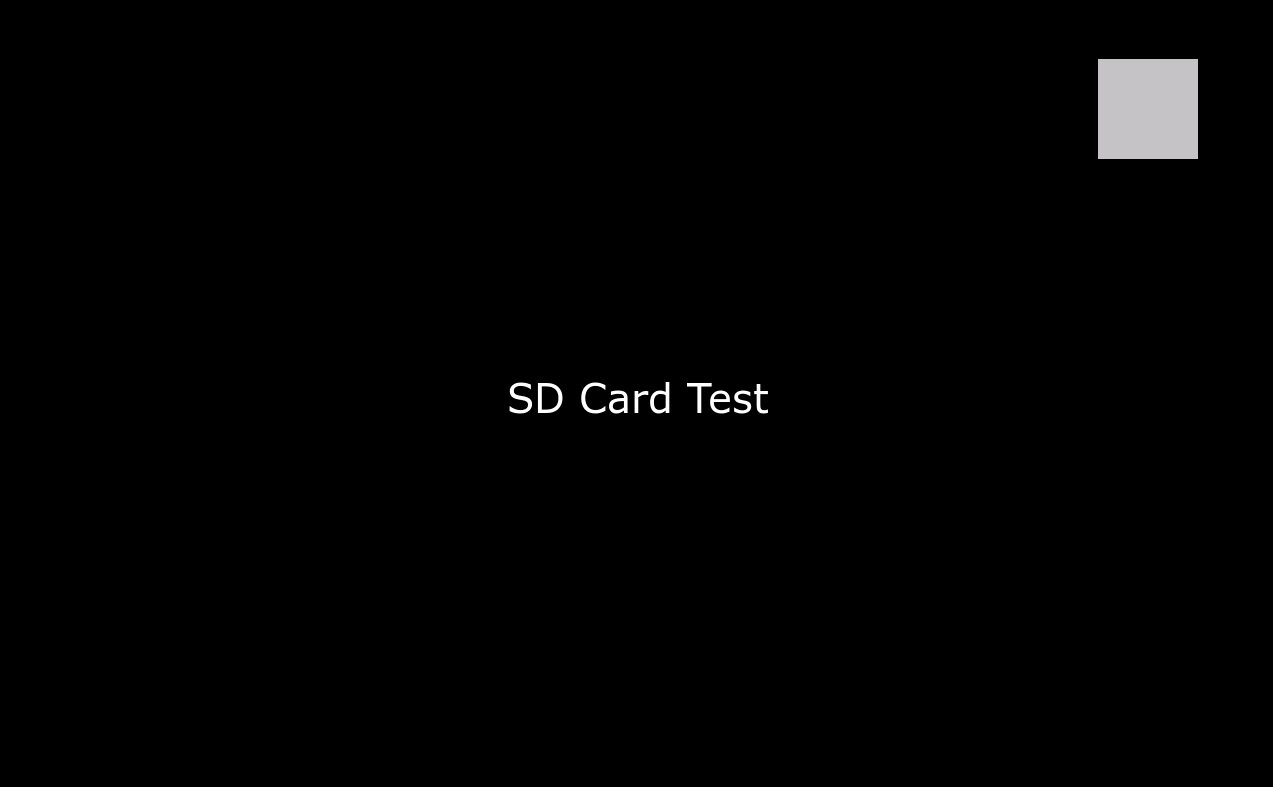
Figure 1. Gray indicator: no SD card detected, or the card was reinserted after a successful write.
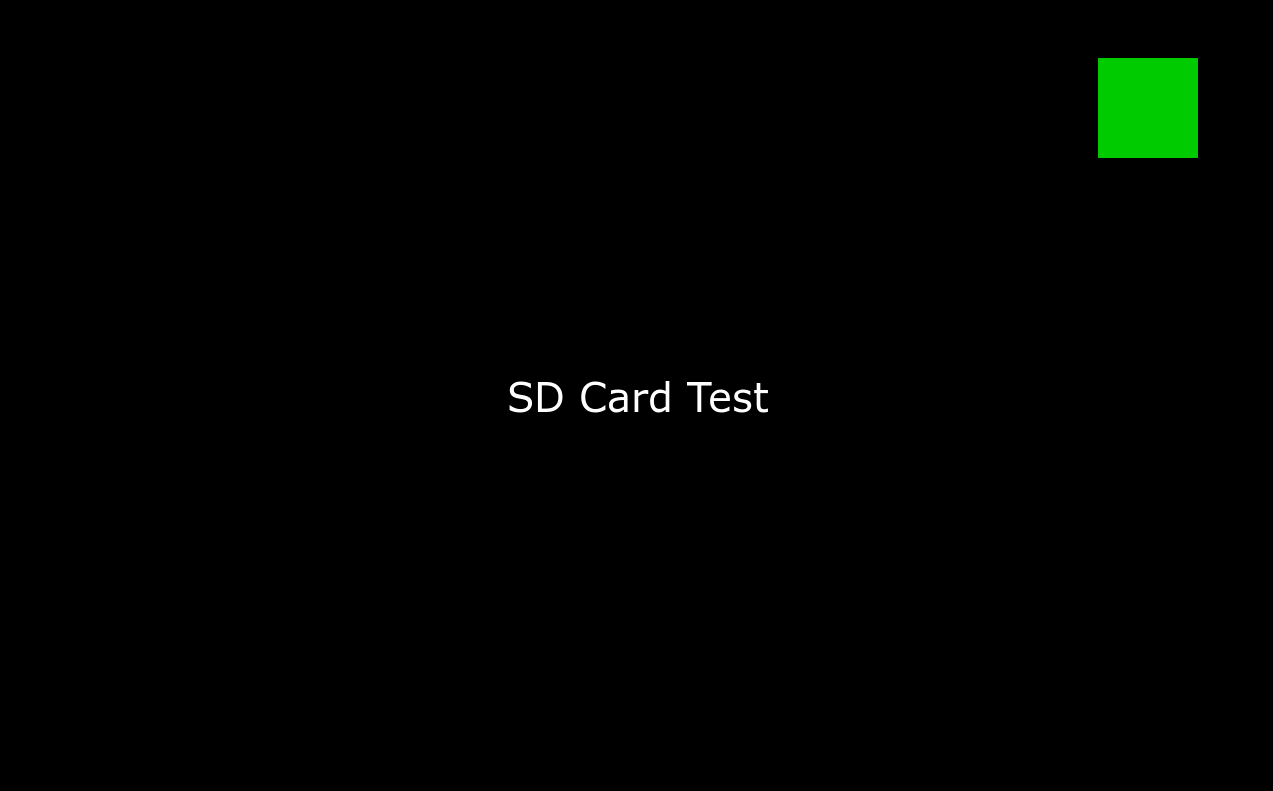
Figure 2. Green indicator: card detected and TEST.TXT written.
Figure 2. Green indicator: card detected and TEST.TXT written.
5″ module (STM32U5G9)
The screen shows a static “SD Card Test” label with no status indicator. To check the result, read the card on a PC: the example writes TEST.TXT to its root.
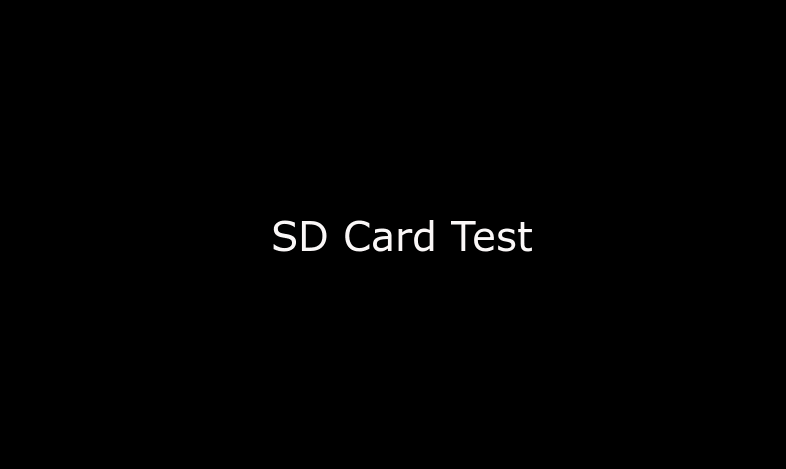
Figure 3. 5″ module running the SD card example.
If TEST.TXT appears on the card after a reset, card detection and file writes work on your module.
DISCOVER OUR
Whitepaper
Achieve the perfect user-display interaction with the right Touch Sensor IC. Ever faced issues with phantom touch events or certification? Boost your R&D like a pro with our Whitepaper!
Go to our product catalog and see how you can save by quality, not on quality.